AI & Bots
How to Use an AI Assistant Without Leaking Private Data
A practical privacy checklist for chatbots and AI assistants in 2026: what not to paste, how to read product settings, and where official policies actually matter.
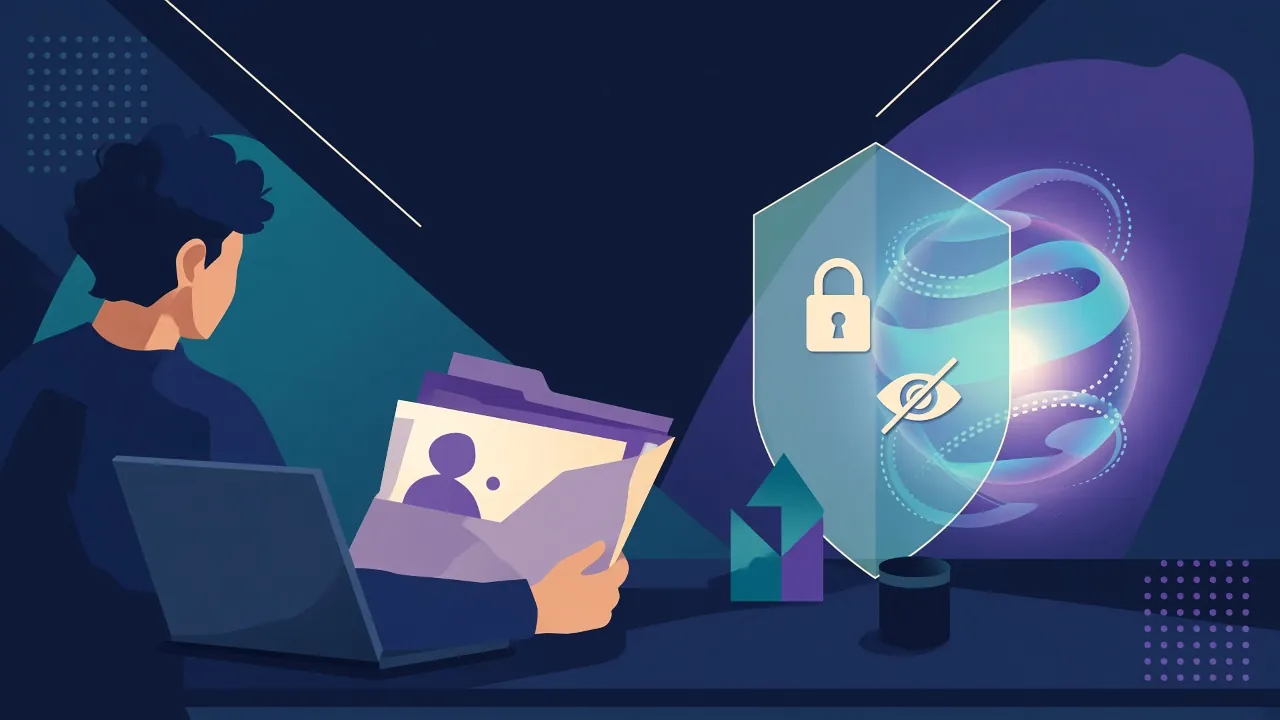
How to read this guide. This is a practical framework, not a review of any one chatbot and not a claim that Squadron Robot has audited OpenAI, Google, Anthropic, Microsoft, xAI, or any other provider. Product names are examples of a category. Settings change; check the official privacy policy and data-control pages of the tool you actually use.
An AI assistant is useful because it will take whatever you give it — a messy email, a medical portal screenshot, a spreadsheet of customer names, a block of source code — and try to help. That is also how private data leaves the room.
The mistake is not “using AI.” The mistake is treating a chat box like a locked filing cabinet. Most consumer assistants are networked services. Depending on the product, the plan, and the toggles you have (or have not) clicked, a prompt can be logged, reviewed, used to improve models, or retained long enough to be a problem if the account is shared, subpoenaed, or breached.
You do not need to become a lawyer to use these tools more safely. You need a short list of habits, and you need to read the vendor’s own settings once.
Start with a simple rule: if you would not put it on a postcard, do not paste it
Write this above your desk if you have to:
- Government identifiers, bank and card numbers, account passwords, and one-time codes.
- Health details that identify a real person, including your own, unless you are in a product that is actually covered by a health-privacy arrangement you have verified.
- School records of a child, personnel files, or anything you hold under a confidentiality agreement at work.
- Customer lists, unpublished financials, and unreleased legal strategy.
- Private keys, access tokens, production credentials, and .env files. A surprising number of “please debug this” pastes still include them.
If the task needs some of that information, strip it. Replace names with “Patient A,” account numbers with “XXXX,” and keys with a placeholder. If the task cannot be done after you strip it, the task does not belong in a general-purpose consumer chatbot.
This is the same instinct we already recommend for household robots that carry cameras: the useful question is not “does this device have a sensor?” It is “where does the data go, who can see it, and can I turn that off?”
Read three official pages, not a Twitter thread
Every major assistant has, at minimum:
- A privacy policy that says what is collected and why.
- A data-controls or “improve the model” setting that often defaults to on for consumer plans and off, or more restricted, for some business plans.
- A business, API, or enterprise tier whose contract terms may prohibit training on your prompts. Those terms are not automatically true of the free consumer app with the same brand name.
Do that reading on the provider’s own site. Marketing blogs, including this one, go stale. If your company has a sanctioned assistant, use that one for work and follow its policy; a personal account is not a loophole.
Use the product’s own privacy switches
Typical controls, under various names, include:
- Turning off training or “improve the model for everyone” on a consumer account.
- Turning off chat history, with the trade-off that you may lose useful memory and that residual logs may still exist for abuse review, as the vendor’s policy describes.
- Exporting or deleting conversations.
- Disabling memory features that store facts about you across chats.
- Using a temporary or “incognito” chat mode when one exists.
None of these is magic. Abuse-and-safety review can still capture a slice of traffic. A toggle does not save you if you pasted a secret and the output is now sitting in your laptop’s screenshot folder, your Slack, or someone else’s inbox. Privacy settings reduce a risk; they do not convert a consumer chatbot into an attorney’s vault.
Be careful with uploads, connectors, and agents
The 2026 assistant is often not only a text box. It may read your mail, browse files, or take actions through an agent. Each new connector is a new place for data to flow. Before you authorize one:
- Grant the least access that still does the job (one folder, not your entire drive).
- Ask whether connected content is stored, and for how long.
- Do not connect an assistant to a mailbox or a production system you would be ashamed to have summarized in a log.
- Watch for features that email, post, or pay on your behalf. Those belong behind a human confirmation, every time.
Work and school have extra rules
If you are an employee, a contractor, a clinician, a lawyer, or a teacher, your organization and your profession may already forbid putting certain records into an external tool. Those rules win. A personal subscription does not make a confidential file less confidential. When in doubt, use the officially approved system or do the task without a bot.
A short checklist you can actually follow
- Identify the tool and the plan (free, plus, work) you are on.
- Open official privacy and data-control pages; set training and memory the way you intend.
- Never paste secrets, credentials, or other people’s sensitive data.
- Minimize: the smallest snippet that still lets the model help.
- Keep work material in the work-approved tool.
- Treat agent and connector permissions as permanent until you revoke them.
- If you paste something by mistake, delete the chat if the product allows it, rotate any exposed credential, and tell whoever owns that system.
For help choosing a tool by job rather than by hype, see choosing a chatbot for writing, research, and coding.
Sources and further official reading
Providers change their policies. Use the official documents for the product you use, for example:
This article discusses categories of settings those documents typically describe; it does not quote a toggle that may have been renamed since publication.
Related reading
AI Agents in 2026: What They Can and Cannot Reliably Do
A sober 2026 framework for AI agents that book, click, and call tools — useful jobs, failure modes, and the permissions you should not hand over unsupervised.

Choosing a Chatbot for Writing, Research, and Coding
A practical 2026 buying and usage framework for AI chatbots — privacy, citations, context, coding, and cost — without a fake ranked list of winners.

Will AI Replace Game Artists and Writers? A Grounded 2026 Look
A clear-eyed 2026 take on AI tools and game-industry craft: what official toolchains actually do, where the legal and labor questions sit, and why ‘replacement’ is the wrong frame.